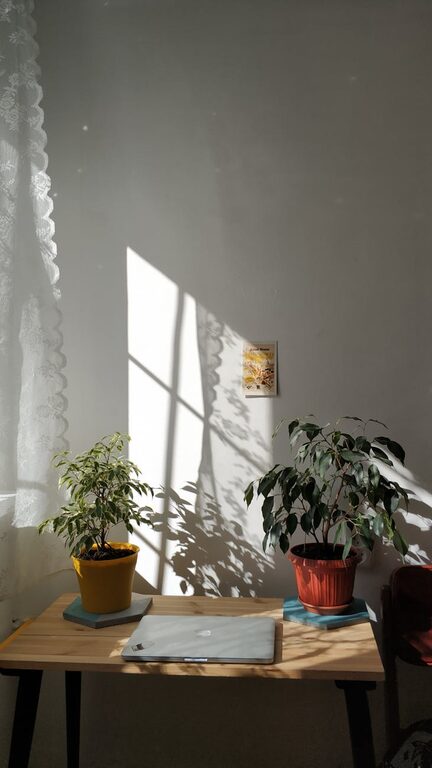
Creating a home office that balances relaxation with productivity is essential for those working remotely or running a business from home. A well-designed workspace can improve focus, reduce stress, and promote a healthy work-life balance. In this post, we explore practical ways to transform your home office into a place where you can work efficiently and feel at ease.
Why the Right Home Office Matters
Working from home often means juggling distractions and feeling the boundaries blur between work and personal life. Without a dedicated, thoughtfully arranged space, productivity can suffer, and so can your well-being. A relaxing home office invites calmness and encourages motivation, making the workday more enjoyable and effective.
Choosing the Perfect Location
Consider Natural Light
Try to position your desk near a window to benefit from natural light, which can boost your mood and energy levels. Avoid harsh glare on your computer screen by using blinds or curtains to diffuse direct sunlight.
Minimise Distractions
Pick a quiet area in your home where you are less likely to be disturbed. If your space is limited, use room dividers or screens to create a sense of separation.
Design Tips for Comfort and Productivity
Invest in Ergonomic Furniture
A comfortable chair with good support and an adjustable desk can prevent back pain and improve posture during long working hours. Consider a sit-stand desk to vary your position throughout the day.
Declutter and Organise
Keep your workspace tidy to help maintain focus. Use storage solutions such as shelves, drawers, and organisers to keep office supplies neatly arranged and within easy reach.
Personalise Your Space
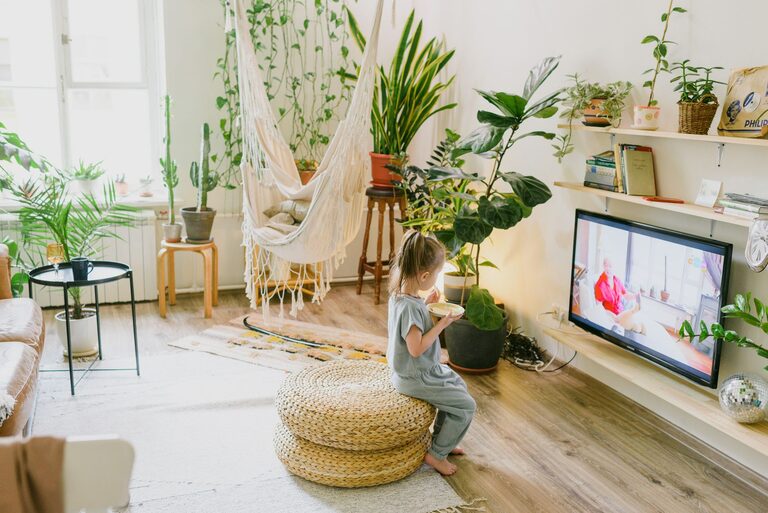
Add touches that make you feel relaxed, such as plants, artwork, or photos. A few personal items can boost your mood without creating clutter.
Lighting and Colour Choices
Use Layered Lighting
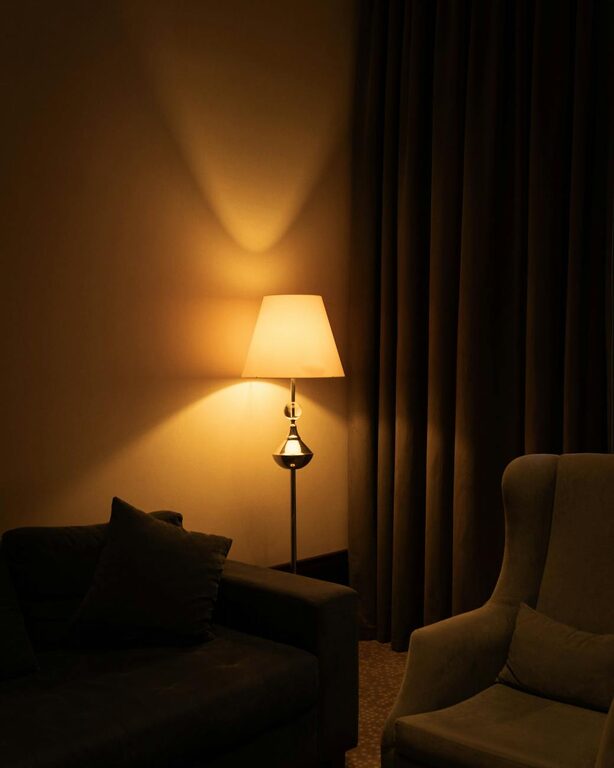
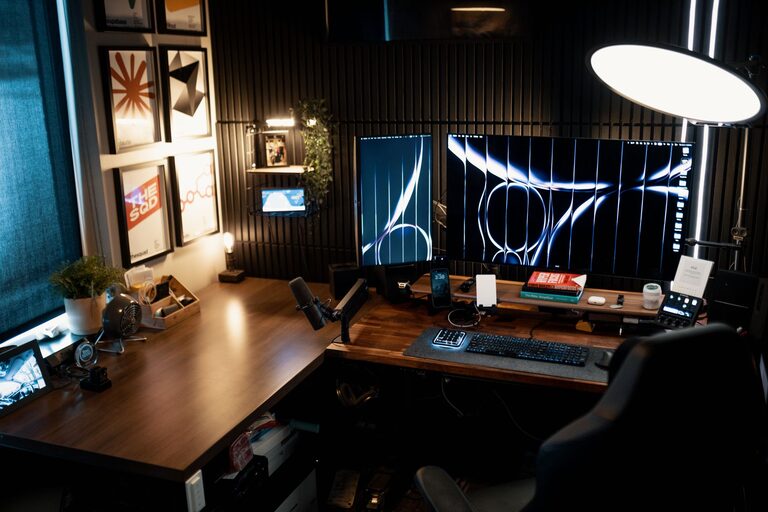
Combine ambient light with task lighting. A desk lamp with adjustable brightness is useful for focused work, especially in the evenings.
Choose Calming Colours
Soft colours like blues, greens, or neutral tones create a soothing atmosphere. Avoid overly bright shades that might feel distracting.
Technology Setup for Efficiency
Reliable Equipment
Ensure your computer, internet connection, and other devices are reliable and up to date. This reduces frustration and interruptions.
Cable Management
Keep cables organised and out of sight using clips, sleeves, or trays to maintain a tidy appearance and prevent accidents.
Establishing Routine and Boundaries
Set Clear Work Hours
Define specific start and finish times to maintain a balance between work and personal time.
Take Regular Breaks
Step away from your desk to stretch or take a short walk. Breaks help refresh your mind and reduce fatigue.
Minimise Digital Distractions
Use tools that block non-work-related websites or mute notifications during focus periods.
Incorporating Relaxation Elements
Create a Mini Relaxation Zone
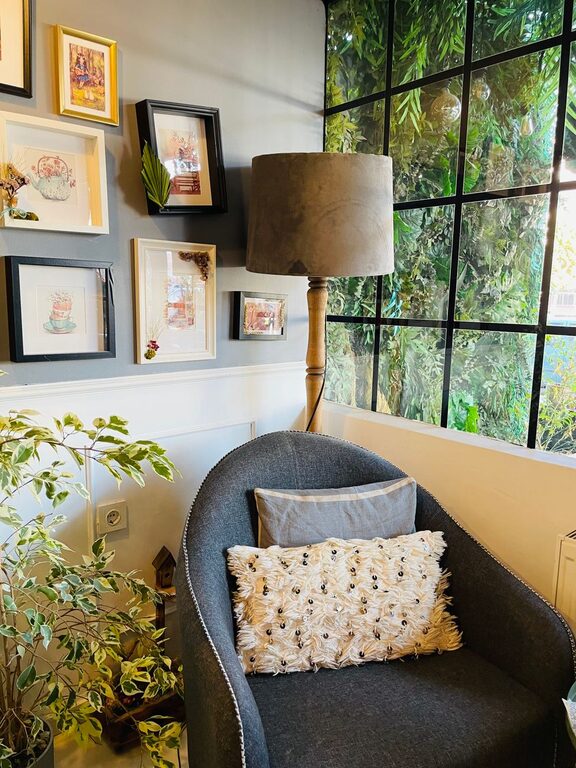
If space allows, add a comfortable chair or cushion where you can pause and relax during breaks.
Use Soothing Scents or Sounds
Consider natural scents like lavender or use background music or white noise to create a peaceful environment.
Final Thoughts
Designing a home office that is both relaxing and productive requires thought and effort but pays off by improving your work experience. By choosing the right location, investing in ergonomic furniture, maintaining organisation, and setting clear routines, you can create a workspace that supports your focus and wellbeing. Remember, small changes can make a big difference in how you feel and perform while working at home.
About the Author