Creating a home office that balances relaxation with productivity is essential, especially as remote work becomes more common. A well-designed workspace can improve focus, reduce stress, and enhance overall work satisfaction. Whether you have a dedicated room or a small corner, these tips will help you craft an environment that supports both relaxation and efficient working.
Understanding Your Needs
Before diving into decorating or buying equipment, it’s important to reflect on your individual working habits.
– Assess your workflow: Are you mostly on video calls, or do you need space for writing and reading?
– Consider your work hours: Do you work best in natural light during the day, or do you often work into the evening?
– Identify distractions: What noises or activities might interfere with your concentration?
Knowing these details shapes your decisions, from furniture placement to lighting.
Choosing the Right Location
The location of your home office sets the foundation for your space.
Quiet and Private
Seek a spot that is away from high-traffic areas and noisy household activities. Privacy allows you to focus and avoid interruptions.
Natural Light
If possible, position your desk near a window. Natural light boosts mood and alertness. Be mindful of glare on screens; using blinds or curtains can help control this.
Ventilation and Comfort
Good airflow and a comfortable temperature contribute to a pleasant working environment. Avoid placing your desk directly under an air conditioner or heater.
Selecting Comfortable and Functional Furniture
Ergonomic Chair
Invest in a chair that supports your posture. Look for adjustable height, lumbar support, and comfortable cushioning to reduce back strain.
Spacious Desk
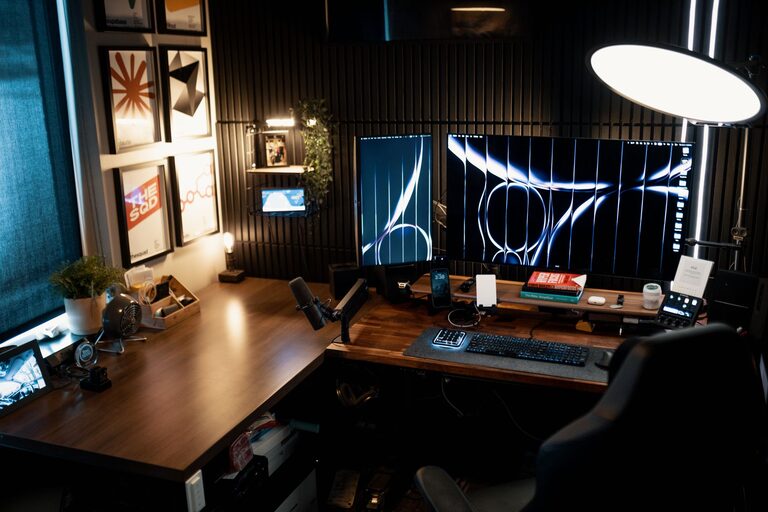
Choose a desk wide enough to accommodate your computer, important documents, and any tools you need regularly. Also, ensure there’s space for leg movement.
Additional Storage
Keep clutter to a minimum by adding shelves, filing cabinets or drawer units to store items out of sight but within reach.
Organising Your Workspace
A tidy area promotes a clear mind and efficiency.
– Cable Management: Use clips or tubing to organise cables and prevent tangling.
– Desk Organisers: Pen holders, trays, and boxes can keep small items orderly.
– Daily Reset: Spend a few minutes at the end of each day to tidy your desk, preparing for tomorrow.
Optimising Lighting
Proper lighting reduces eye strain and sets the mood.
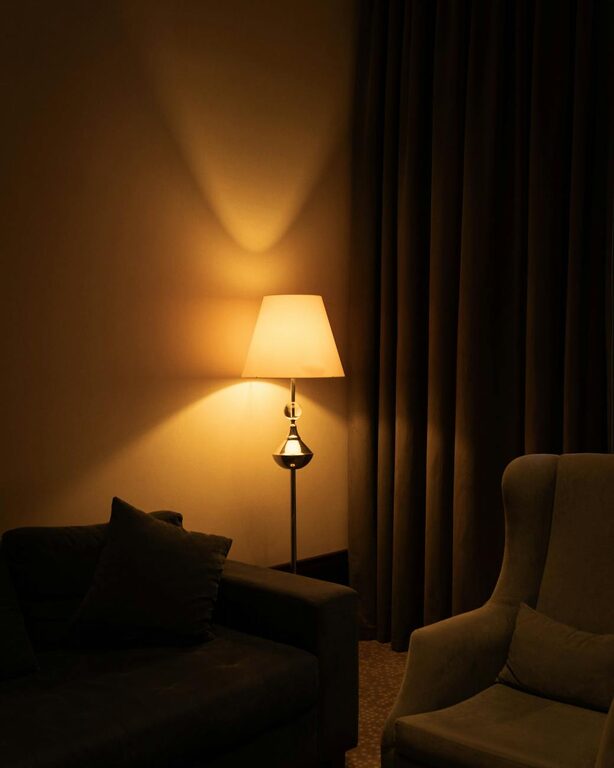
– Ambient Lighting: General room lighting should be bright enough without causing glare.
– Task Lighting: A desk lamp with adjustable brightness helps illuminate specific areas for reading or detailed work.
– Colour Temperature: Aim for bulbs with a neutral white light (around 4000K) to keep energy levels balanced.
Adding Personal Touches Thoughtfully
Incorporate elements that make you feel comfortable without causing distraction.
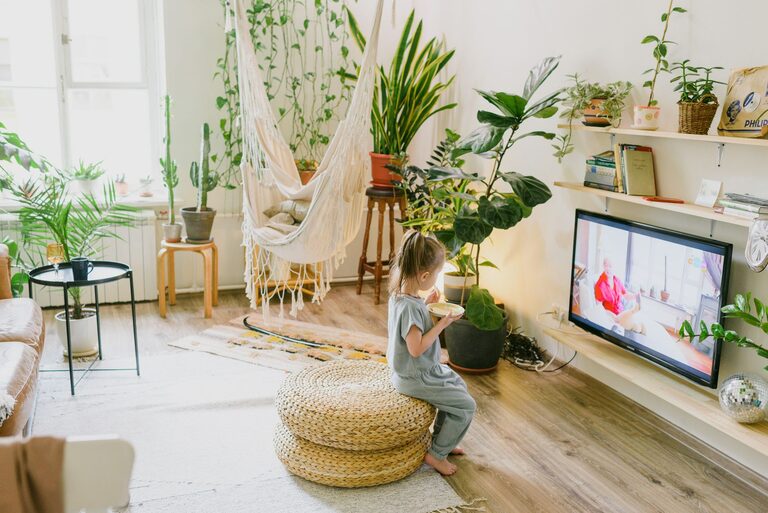
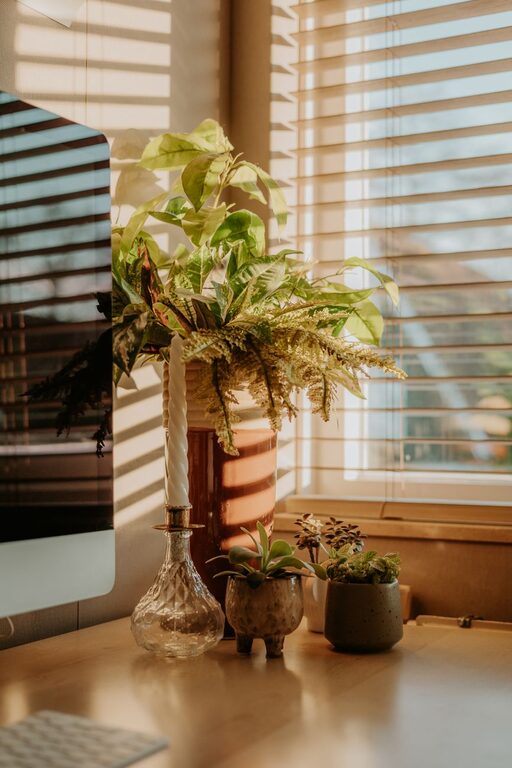
– Indoor Plants: Adding greenery improves air quality and creates a calming atmosphere.
– Art and Photos: Select images or items that inspire or soothe you.
– Colour Scheme: Choose colours that promote calmness, such as soft blues or greens.
Managing Technology
Reliable technology is key but should not dominate the space.
– High-Speed Internet: Ensure you have a stable connection to avoid interruptions.
– Quality Equipment: Invest in a good keyboard, mouse, and headset to enhance comfort.
– Minimise Distractions: Turn off non-essential notifications and set breaks to check emails.
Incorporating Relaxation Breaks
Your home office should encourage short pauses to maintain mental clarity.
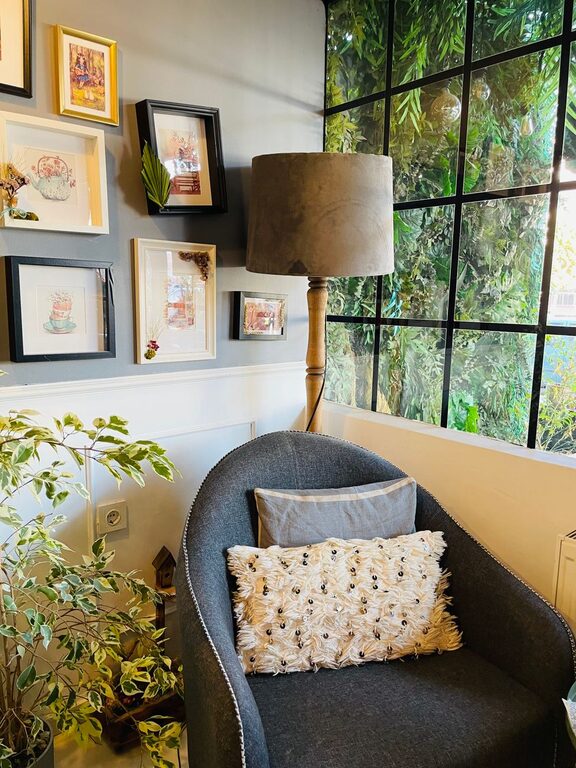
– Designated Relaxation Area: If space allows, include a small corner with a comfortable chair or cushion.
– Stretching Space: Keep room to stand and stretch, promoting blood flow.
– Timed Breaks: Use a timer or app to remind you to step away every hour or so.
Maintaining Work-Life Balance
It’s easy to blur boundaries when your home is your office.
– Set Clear Hours: Define your start and finish times and communicate them to household members.
– Separate Work and Leisure: Avoid using your workspace for relaxation activities.
– End-of-Day Routine: Create a ritual to signal the end of work hours, such as shutting down your computer and tidying up.
Regular Updates and Adjustments
Your needs may evolve, so periodically review your setup.
– Evaluate Comfort: Are you experiencing any aches? Maybe your chair or desk needs tweaking.
– Change Layout: Rearrange for better light or to refresh the environment.
– Upgrade Equipment: Replace outdated technology to keep efficiency high.
—
By intentionally designing your home office with comfort and productivity in mind, you create a positive environment where work feels less like a chore. With these tips, your space can support your professional goals while nurturing your well-being.
About the Author